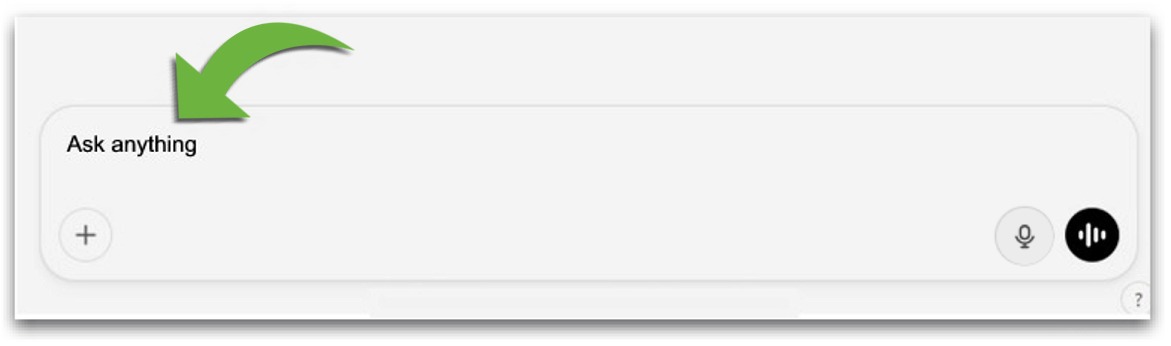
1️⃣To type to Ima, tap on "Ask anything," as shown below:
2️⃣To "type" to Ima with your voice, tap on the little picture of a microphone, as shown below:
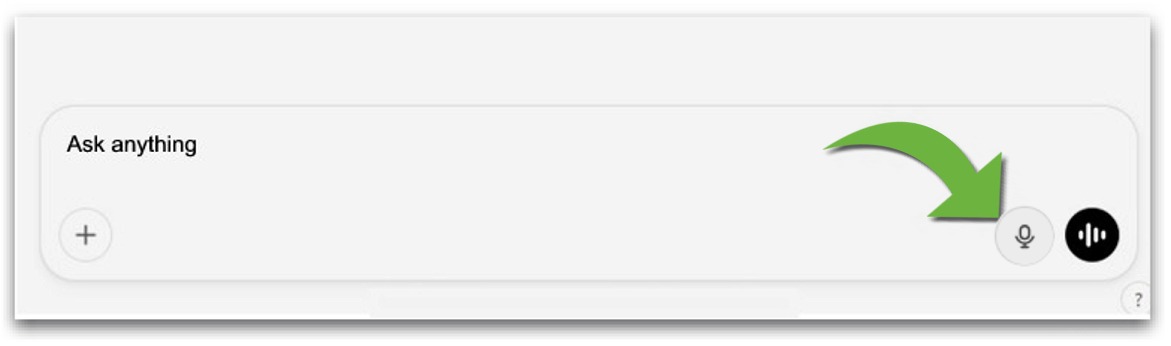
NOTE: Tap the little picture of a microphone again to stop.
The words will appear on your screen.
Tap the arrow next to the words to send.
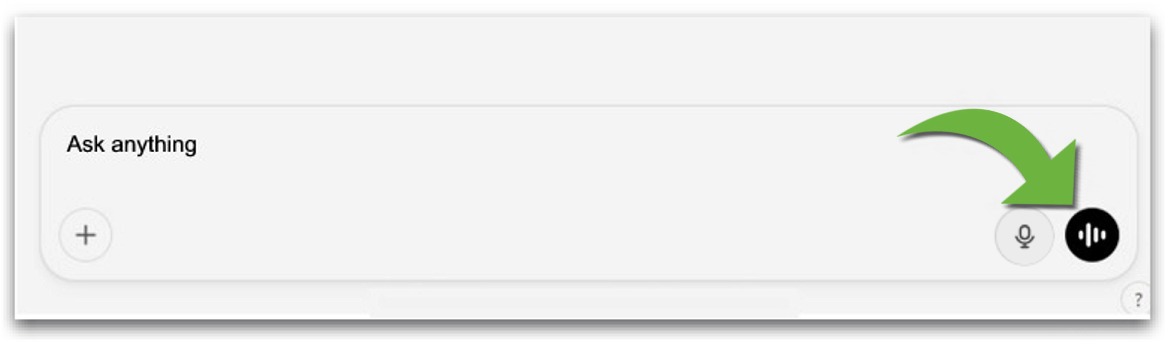
3️⃣To "talk" to Ima, like a phone call, tap on the white circle with little black lines, as shown below:
4️⃣To let Ima start first, tap on one of the prefilled "starters," as shown below:
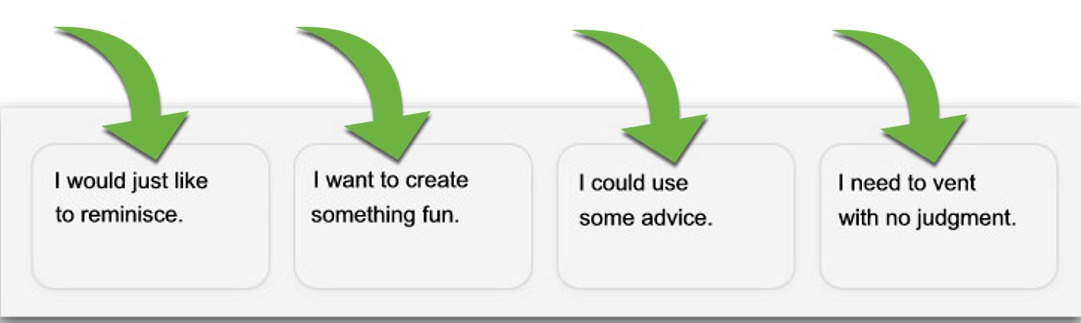
5️⃣To start over, (if Ima starts acting funny or stops working altogether) tap on the little picture that looks like a paper and pencil in the upper right corner of the screen, as shown below: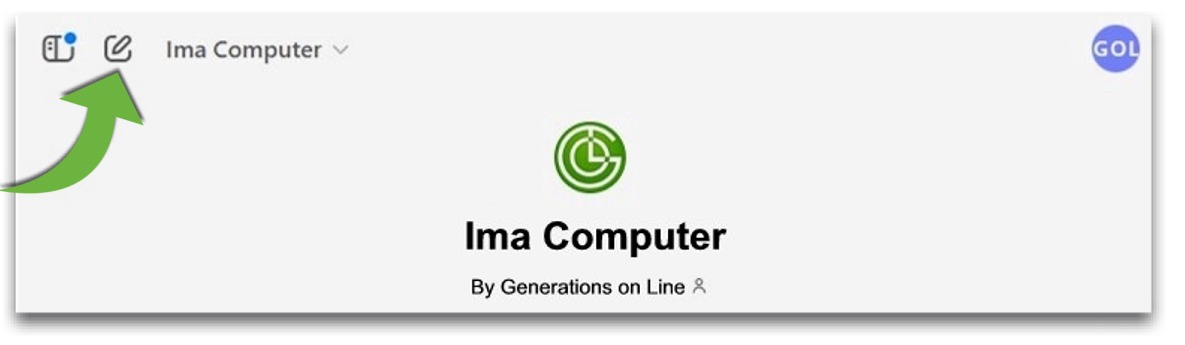
*️⃣After Ima:
Once you get comfortable with Ima, you will get an even MORE robust experience with the FULL ChatGPT model. It works exactly the same way except that it is NOT SPECIFICALLY for older adults.
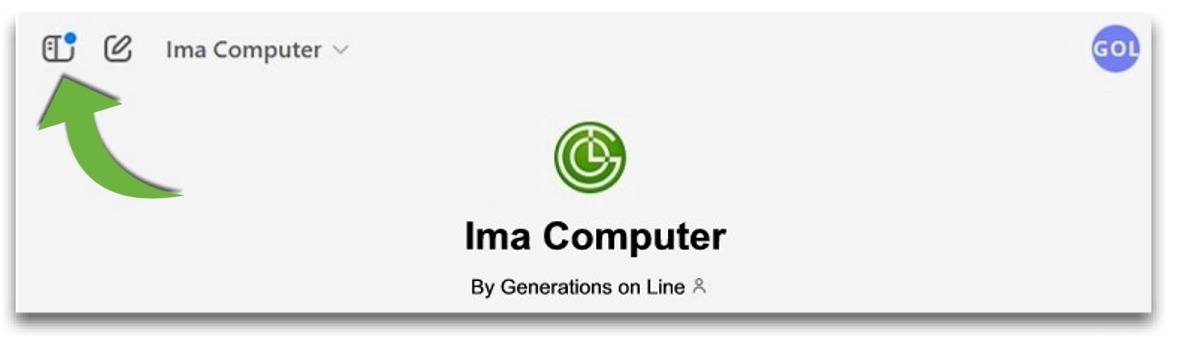
To move to the FULL ChatGPT model, tap on the little white lines in the upper left corner of the screen, as shown below: